Your customers want to book online — your website only gives them a phone number
Somebody looking for an appointment in the evening does not call — they book wherever it works right away. Capwork makes your website bookable: online booking that only offers times you can actually deliver, embedded with a code snippet — or as a booking link of its own if you have no website at all.
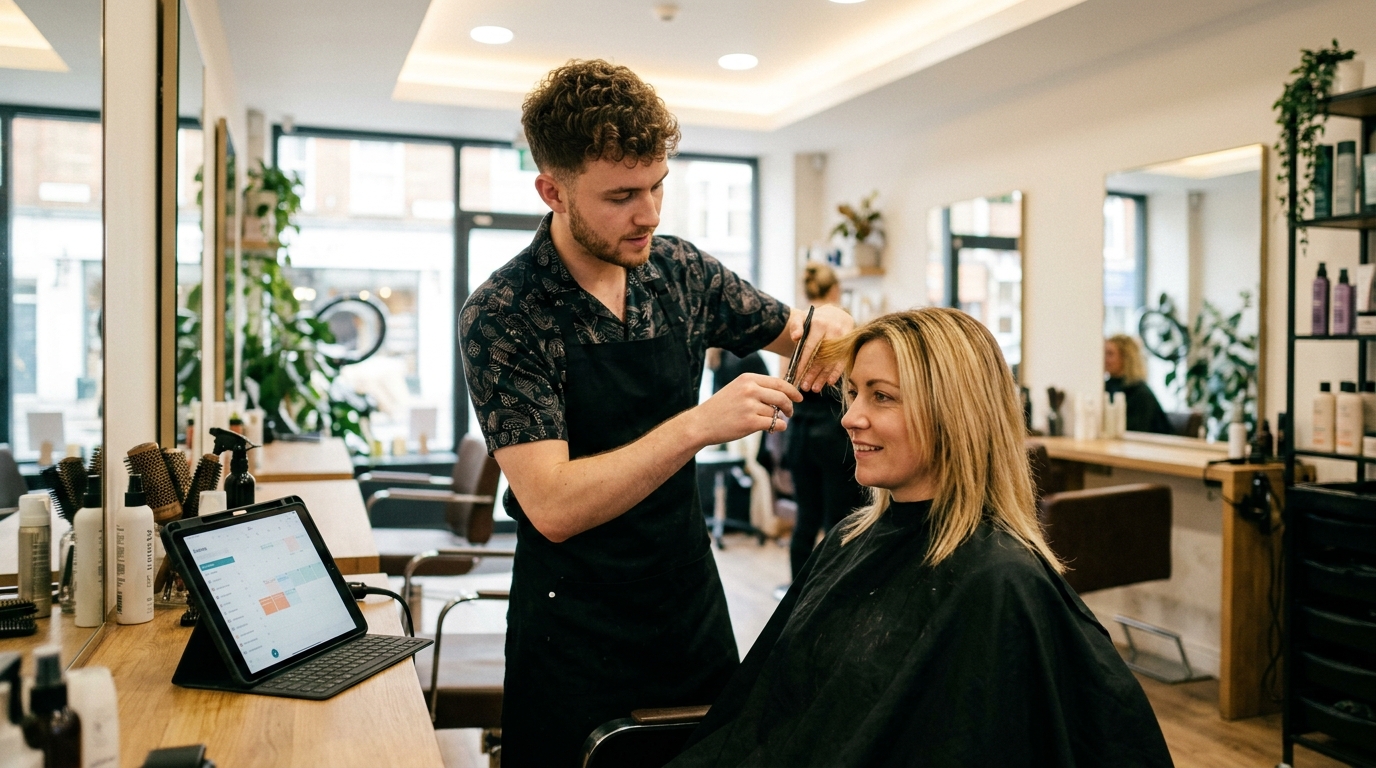
Sound familiar?
- Your website lists opening hours and a phone number — and nobody can book there.
- An enquiry through the contact form takes three emails back and forth before the time is settled.
- Anyone who calls in the evening or at the weekend reaches voicemail and books elsewhere.
- Online and phone appointments live in two places — sooner or later two customers land on the same time.
- You type every confirmation yourself, and nobody reminds the customer the day before.
- A booking tool sounds like coding, plugins and a second calendar somebody has to maintain.
What you get back
Your website takes bookings while you work, sleep or are on holiday. Only what is genuinely free is offered, every online booking lands in the same diary as your phone bookings, and Capwork sends the confirmation without you typing a word.
How Capwork fixes it
- 1
Your booking page is ready as soon as your services are
Your services, prices and opening hours become a booking page of your own — on phones and desktops, in all 24 EU languages. Customers pick a service and a time and leave their name and email address or phone number, no customer account needed. The page only goes online once you publish it; after that, search engines can find it too.
- 2
Embedded in your website with one code snippet
Choose whether just the booking calendar or the whole customer portal appears, pick the language and a light or dark design, and check the result in the live preview. You paste the snippet as an HTML element into WordPress, Wix, Squarespace, Jimdo, Webflow or any other site builder that allows HTML. The height adjusts by itself.
- 3
Only genuinely free times are offered
Capwork intersects opening hours, working hours, skills and absences — and, where you have set them up, vehicles, tools and materials. Online, phone and walk-in bookings land in the same diary; if two customers reach for the last free place at the same moment, only one gets it.
- 4
Confirmation and reminder go out by themselves
As soon as an appointment is booked, Capwork sends the confirmation on your business’s behalf — by email, or by SMS if the customer left no address. Customers who tick it on the booking form get a reminder at 17:00 the day before. Cancelling works through the link in the confirmation, and the time is bookable again straight away.
- 5
No website? A link and a QR code are enough
Your booking page has a link of its own and a QR code to download — for your Google Business Profile, social media profiles, email signature, flyers or shop window. If you like, the link can open a specific service or a specific day directly.
See it with real data
Open an example business whose booking page is already live. On the dashboard under “Customer portal” you find the link, the QR code and the embed snippet with a live preview — the page exactly as your customers see it. No signup, nothing to install.
Open the example businessWhat you need for this
No base fee. Appointments are billed per action, that is per booking; your services and your customers per active resource, that is per catalog item and per customer per month — every booking adds the customer to your customer list. Confirmations and reminders are included in the booking price.
FAQ
On the dashboard under “Customer portal”, choose whether the booking calendar alone or the whole customer portal should appear, pick the language and design, and copy the snippet. Paste it where the booking should appear on your website. There is no coding involved, and the height adjusts by itself. The only requirement is that your booking page is published.
Yes, with any site builder that lets you insert HTML: a “Custom HTML” block in WordPress, “Embed HTML” in Wix, a “Code” block in Squarespace, an HTML element in Jimdo or Webflow. The instructions sit right next to the snippet in Capwork.
No. They pick a service and a time and leave their name and an email address or phone number. Anyone who wants to can sign in with a six-digit code sent by email — no password — and under “Account” see their appointments, cancel upcoming ones and follow their enquiries and offers.
Yes. Your booking page has a link of its own and a QR code to download. Both work on their own: in your Google Business Profile, in social media profiles, in your email signature, on flyers and in your shop window.
There is no base fee. Appointments are billed per action, that is per booking, and above a monthly volume each further one costs less. Your services and your customers are billed per active resource: per catalog item and per customer per month. Confirmations and reminders cost nothing extra. The current prices are on this page. The first 14 days are free; a card is required, but nothing is charged during the trial.
Online, phone and walk-in bookings all go into the same diary and reserve the same people, vehicles and equipment. Times that are taken are never offered, and if two customers reach for the last free place at the same moment, only one gets it.
The confirmation goes out automatically — by email if an address was given, otherwise by SMS, sent by Capwork on your business’s behalf. The reminder is optional: customers who tick it on the booking form get it at 17:00 the day before, by SMS or, without a phone number, by email. Bookings made the day before or on the day itself get none. Customers can cancel through the link in the confirmation; for a different time they simply book again.
More you can put right
No-shows and double-bookings
Stop no-shows and double-bookings
Enquiries in five places
Get every customer enquiry into one inbox
Where the money goes
Know where your money actually goes
Team, vans and kit
Who is qualified, who is in, which van is free
Planning the day
Plan the week without re-planning it twice
Running out of stock
Stop jobs stalling on a missing part
Make your website bookable
Add your services and opening hours, publish the page, paste the snippet — your online booking is live the same day.