When is the van due for its inspection? Only the note in the glovebox knows
Four vans, four drivers, one wall calendar. Inspection, service, insurance and the tyre change are written down somewhere — until one of them quietly slips past. The logbook is filled in at the end of the month, and finding out which van is free tomorrow takes a phone call. Capwork keeps your fleet in one place: due dates, trips, damage and reservations.
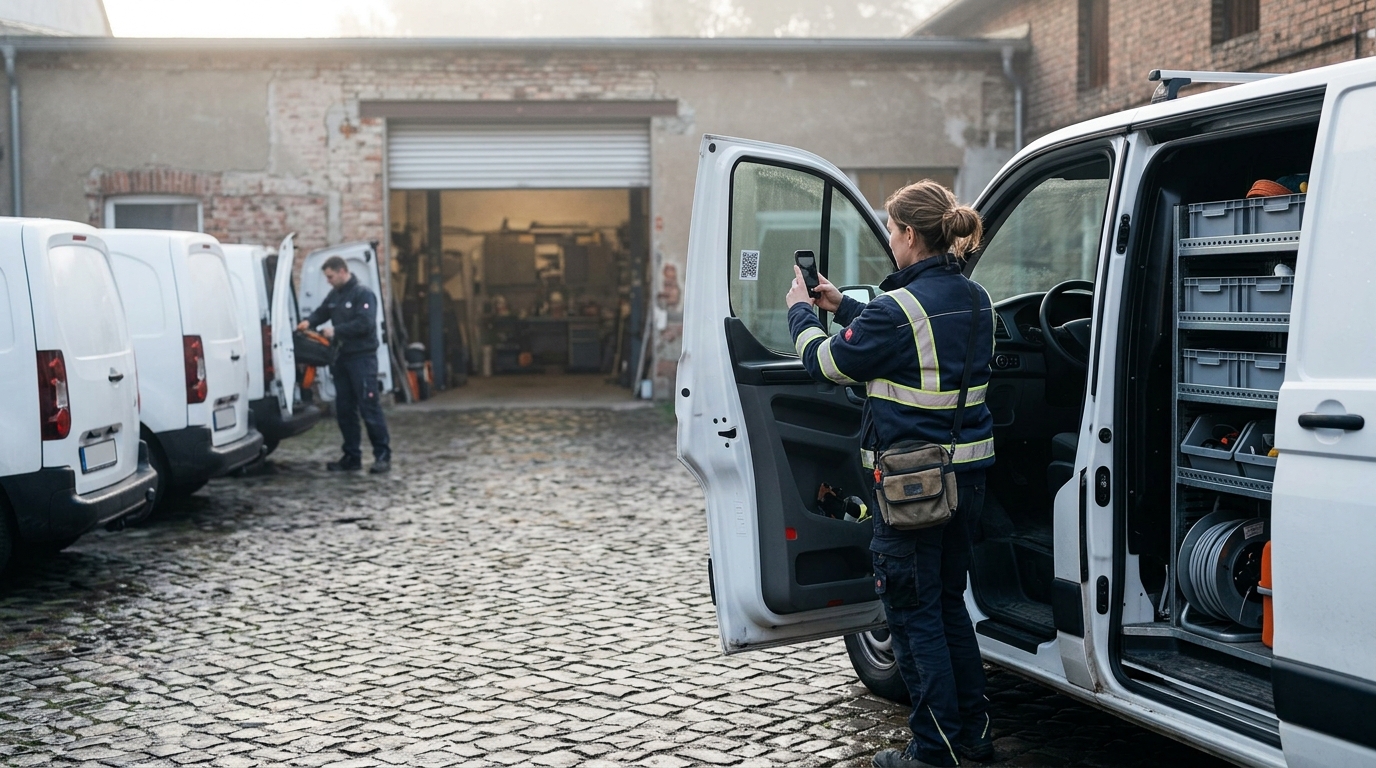 AI-generated image
Sound familiar?
- Inspection and service dates live on a wall calendar — often you only notice one once it has passed.
- The logbook is filled in from memory at the end of the month.
- Two people are counting on the same van, and one of them is left standing in the yard without a vehicle.
- A dent turns up, and nobody knows when it happened or who drove last.
- You need the plate, the VIN or the tyre size, but first you have to find the registration certificate and type them out.
- A van has to go to the garage, and nobody can say which jobs it is planned for.
What you get back
Every vehicle has a record that speaks up for itself: due dates show before they pass, and an overdue one becomes a task. Trips land in the logbook as they are driven rather than at the end of the month, and a van belongs to exactly one job at any time. Who has which van tomorrow is on the screen — not in a group chat.
How Capwork fixes it
- 1
One photo of the registration certificate adds the vehicle
Photograph the registration certificate, and the AI features read the plate, VIN, make, model, first registration, fuel, power in kW, emission class, tyre size, seats and masses. Anything they could not read is listed for you explicitly. You check, complete and save — nothing is added without you.
- 2
The whole fleet on one board
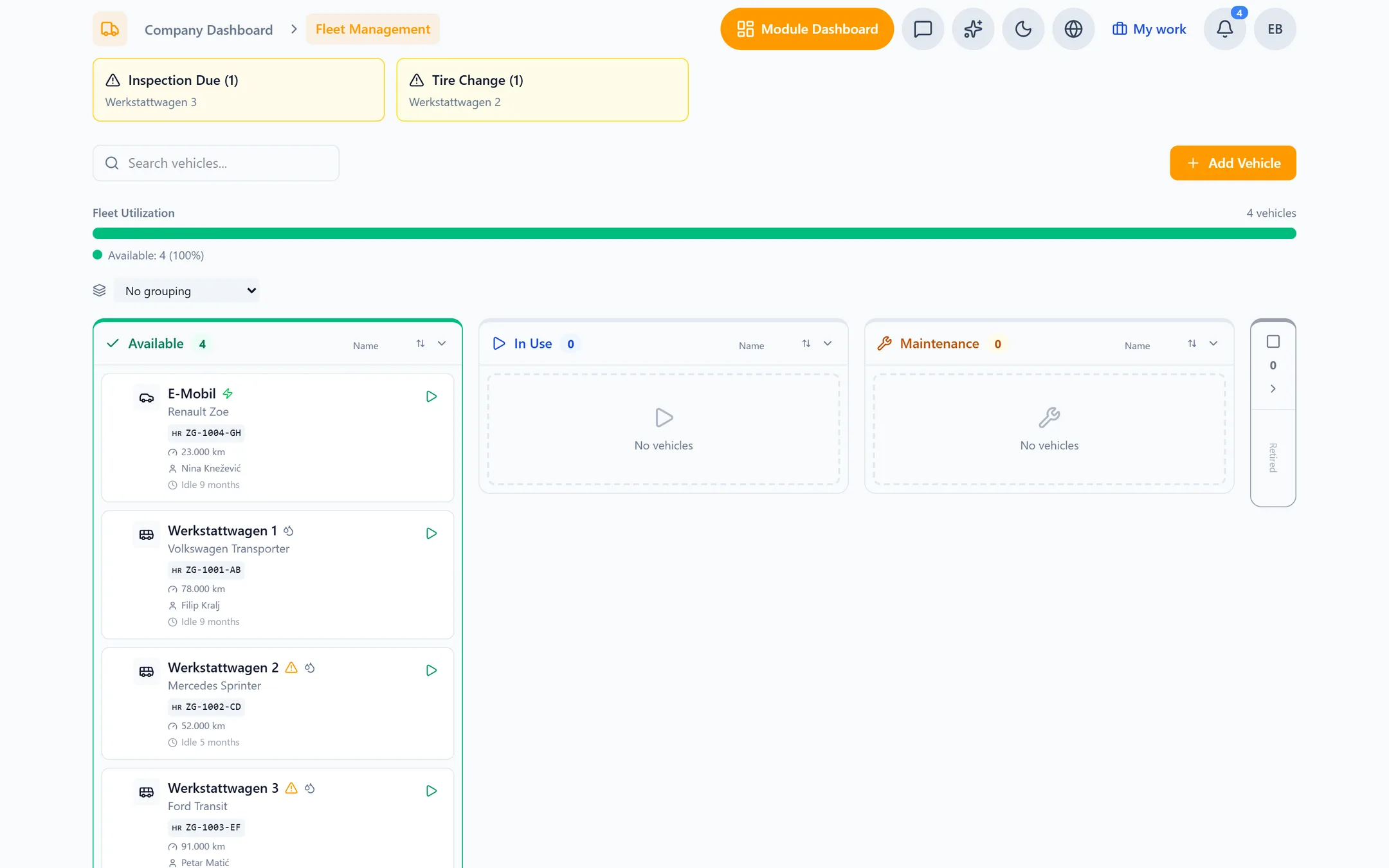
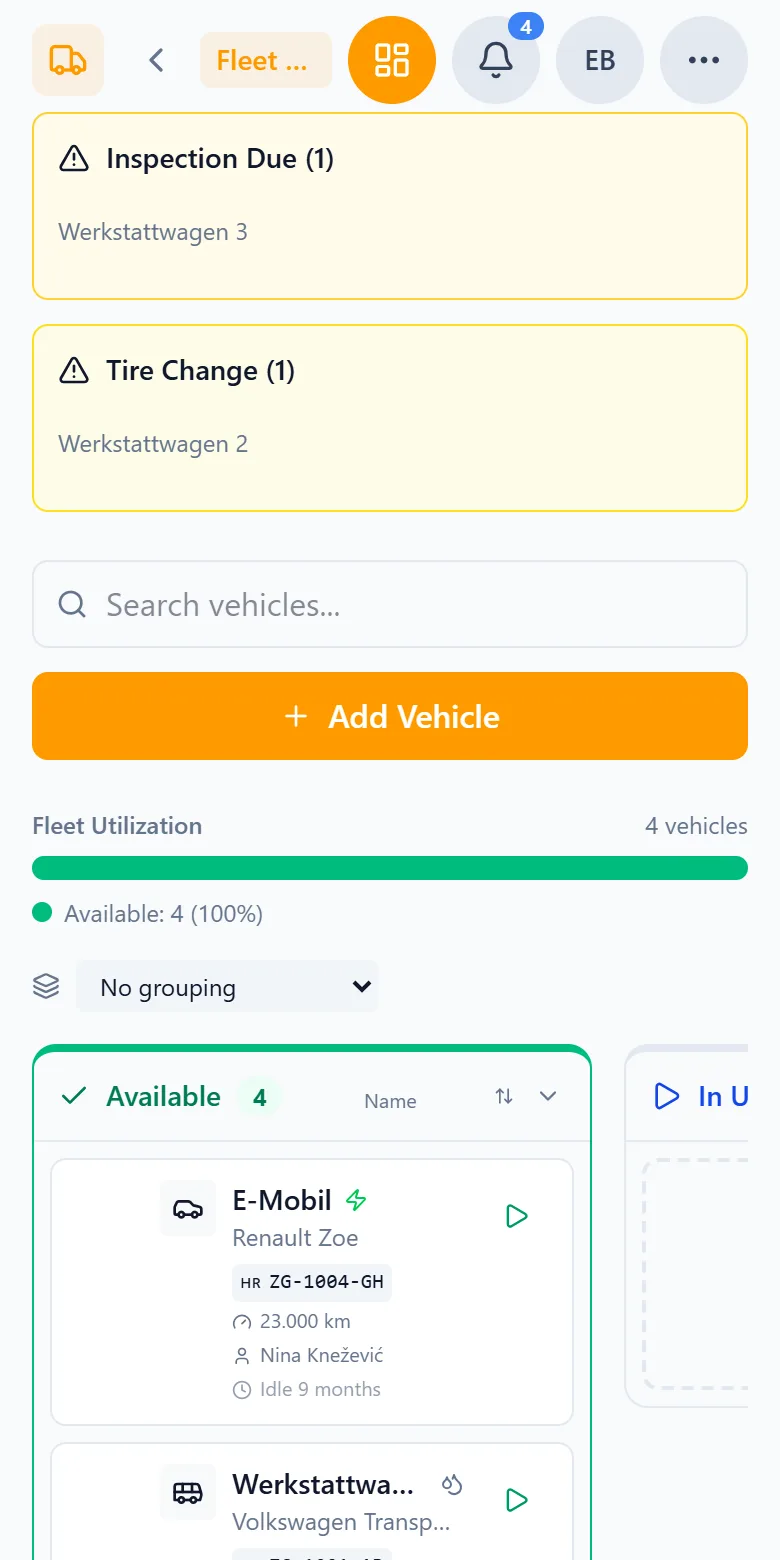
Every vehicle sits in a column: available, in use, in maintenance or decommissioned. You change the status by dragging the card into another column. Set a vehicle to maintenance and you immediately see the jobs it is reserved for — what happens to them is your call.
- 3
Due dates speak up before they pass
Capwork warns you when the service is due within 30 days or 1,000 kilometres, the inspection within 60 days, the insurance renewal within 60 days — early enough to cancel or switch — and when the seasonal tyre change comes round. Once a day it checks every vehicle: an overdue inspection becomes an urgent task, and an overdue service or an upcoming insurance renewal becomes a task too. Once the matter is dealt with, the task closes itself.
- 4
The logbook fills in as you drive
Every trip with its start and end, route planning and purpose: business, private or commute. Completed trips are locked; anyone correcting one gives a reason, and the original entry is kept. Export it as CSV, PDF or JSON — for your accountant, for example.
- 5
A QR code in the van replaces the paperwork
Whoever scans the code on the vehicle can start a trip, report damage, or log a refuel — straight from the phone, without looking the vehicle up in a list first. Every damage report becomes a maintenance suggestion that you approve or reject. Maintenance, damage and fuel logs all sit together in the vehicle’s record.
- 6
Reservations that never collide
A reservation holds the driver, passengers, tools and materials together. Capwork refuses double bookings, and only someone with the skills set on the vehicle may drive it — the right licence class, for example. Bookings and jobs that need a vehicle are only given times when a suitable one is free; visits at the customer’s reserve the van for the drive out and back, and order planning flags a visit with no free vehicle.
See it with real data
Open an example electrical contractor with four vans and a crew out on site. See which due dates are coming up, then drag a van to maintenance — Capwork shows you which jobs it is reserved for. No signup, nothing to install.
What you need for this
No base fee and no fee per vehicle: the fleet is billed per trip, that is per completed trip in the logbook. Adding vehicles, due dates, reservations, damage, maintenance and fuel logs cost nothing extra. Tasks are a separate module and billed separately.
FAQ
The plate, vehicle identification number, make, model, first registration, fuel, power in kW, emission class, tyre size, seats and the masses. Anything the AI features could not read is listed, and you check everything before you save. The scan does not read the next inspection date — you enter that on the vehicle.
The service 30 days or 1,000 kilometres ahead, the inspection 60 days ahead, the insurance renewal 60 days ahead, and the seasonal tyre change. If an inspection or service is overdue or the insurance renewal is coming up, Capwork raises a task that closes itself once the matter is dealt with.
Completed trips are locked. A correction is possible but needs a reason, and the original entry is kept — so it is always clear what was changed and why. You export the logbook as CSV, PDF or JSON.
No, there is no GPS tracking. Trips are recorded in the logbook with their start and end — by the driver, for example through the QR code on the vehicle.
Set it to maintenance and you see every job it is reserved for — nothing is discovered in the morning. What happens to those jobs is your decision. Capwork does not propose a replacement vehicle by itself; automatic cover proposals exist for people, not for vehicles.
There is no base fee and no fee per vehicle. Billing is per completed trip in the logbook; vehicle records, due dates, reservations, damage, maintenance and fuel logs are included. A month with fewer trips costs less. The current prices are on this page.
More you can put right
Online booking
Online appointment booking for your website
No-shows and double-bookings
Stop no-shows and double-bookings
Enquiries in five places
Get every customer enquiry into one inbox
Where the money goes
Know where your money actually goes
Team, vans and kit
Who is qualified, who is in, which van is free
Staff roster
Staff roster online — with bookings and hours balances
Planning the day
Plan the week without re-planning it twice
Running out of stock
Stop jobs stalling on a missing part
Services in 24 languages
A service catalog in 24 languages, with product images
Customer records
Customer records that keep themselves up to date
Suppliers at a glance
Supplier management — straight from your invoices
Nothing slips through
Tasks and approvals: so nothing slips through
Get the due dates out of the glovebox
Photograph the first registration certificate, check the details, save — from then on the van has a record that speaks up for itself.