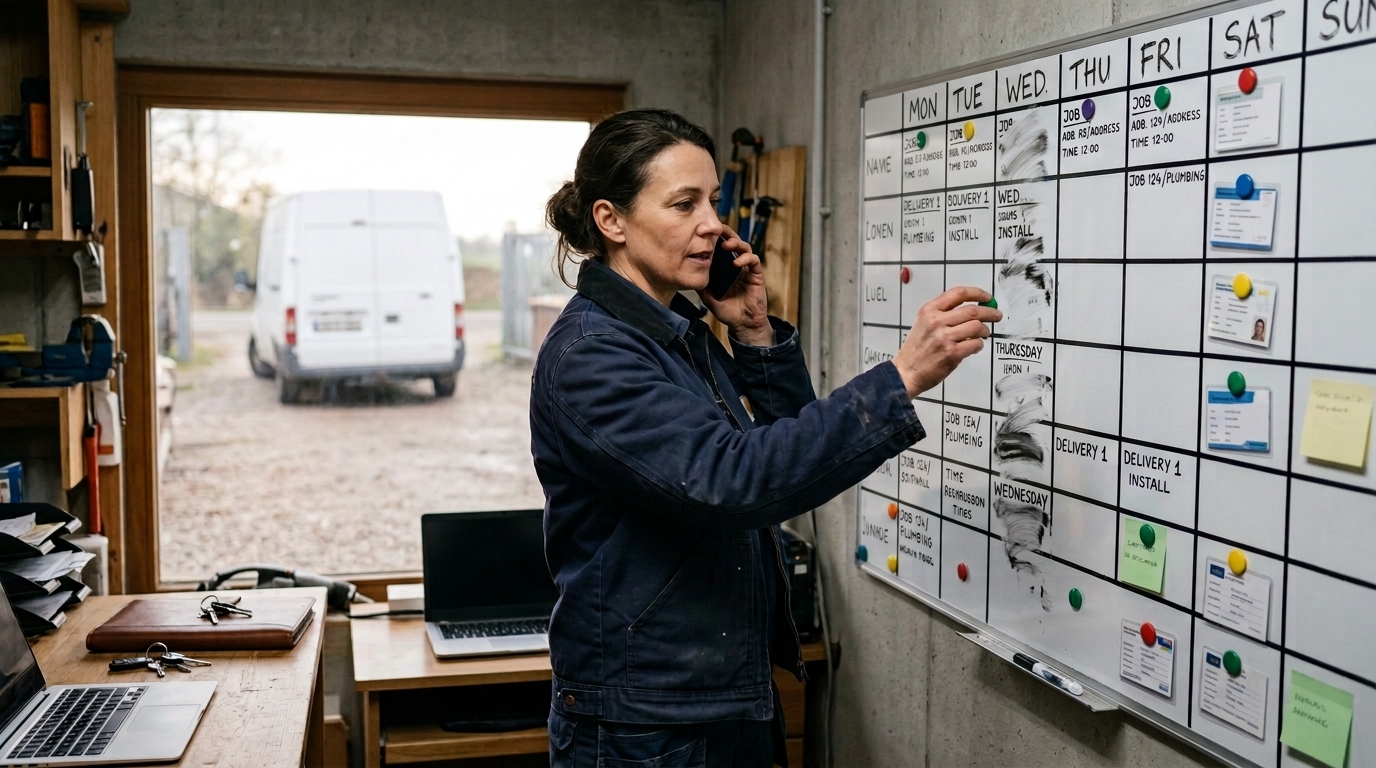
You plan the week on Monday and re-plan it twice before Wednesday
Planning a week is not hard because the work is complicated. It is hard because the constraints live in four places — who is in, which van is free, what is on it, and how long the job really takes — and only one person holds all four at once.
 AI-generated image
Sound familiar?
- An urgent job comes in and you cannot say which day still has room for it.
- Two jobs get the same van, and nobody notices until someone is standing in the yard.
- A job overruns, and the three after it quietly become tomorrow’s problem.
- You know roughly how long a job takes, but the plan assumes the best case every time.
- Only one person knows how the week fits together, and they cannot take leave.
- Moving one job by a day means checking three other things by phone.
What you get back
Instead of assembling the plan in your head and hoping, you ask a question: given this work and these resources, where does everything line up? Capwork searches the actual windows where the person, the vehicle and the materials are all free at once, and shows you what it found before anything is committed.
How Capwork does it
- 1
Ask where the work fits, instead of guessing
Give Capwork the job and what it needs, and it searches for windows where every required resource is free at the same time — across the whole planning horizon, not just tomorrow. You get candidate slots ranked by how well they fit, not the first gap it stumbles into.
- 2
See the week, and move work across it
The planning workspace shows the week rather than a single day, and a job can be dragged to another time and another day in one motion. A calendar heatmap shows where capacity actually exists, so you are moving work towards free space rather than away from a clash.
- 3
Vans, tools and materials are part of the plan
A job that needs a van with a certain payload, a specific tool, and three metres of cable is only planned into a window where all of those are genuinely free. The reservation is made when the plan is committed, so nothing else can take them in the meantime.
- 4
Nothing changes until you say so
Capwork proposes; you decide. The plan is shown in full — what moves, what gets reserved, who is affected — and only becomes real when you confirm it.
- 5
The plan tells people what changed
Work lands in the tasks list of whoever is doing it, linked back to the appointment, order, vehicle and materials it involves. Nobody has to be told the plan changed; they can see it.
See it with real data
Open an example electrical business — eleven people, field teams, a van fleet and a stocked store — and plan a job into next week. Watch which windows it offers, and why. No signup, nothing to install.
What you need for this
Usage-based, so a quiet month costs less. Start with planning and add the rest when it earns its place.
FAQ
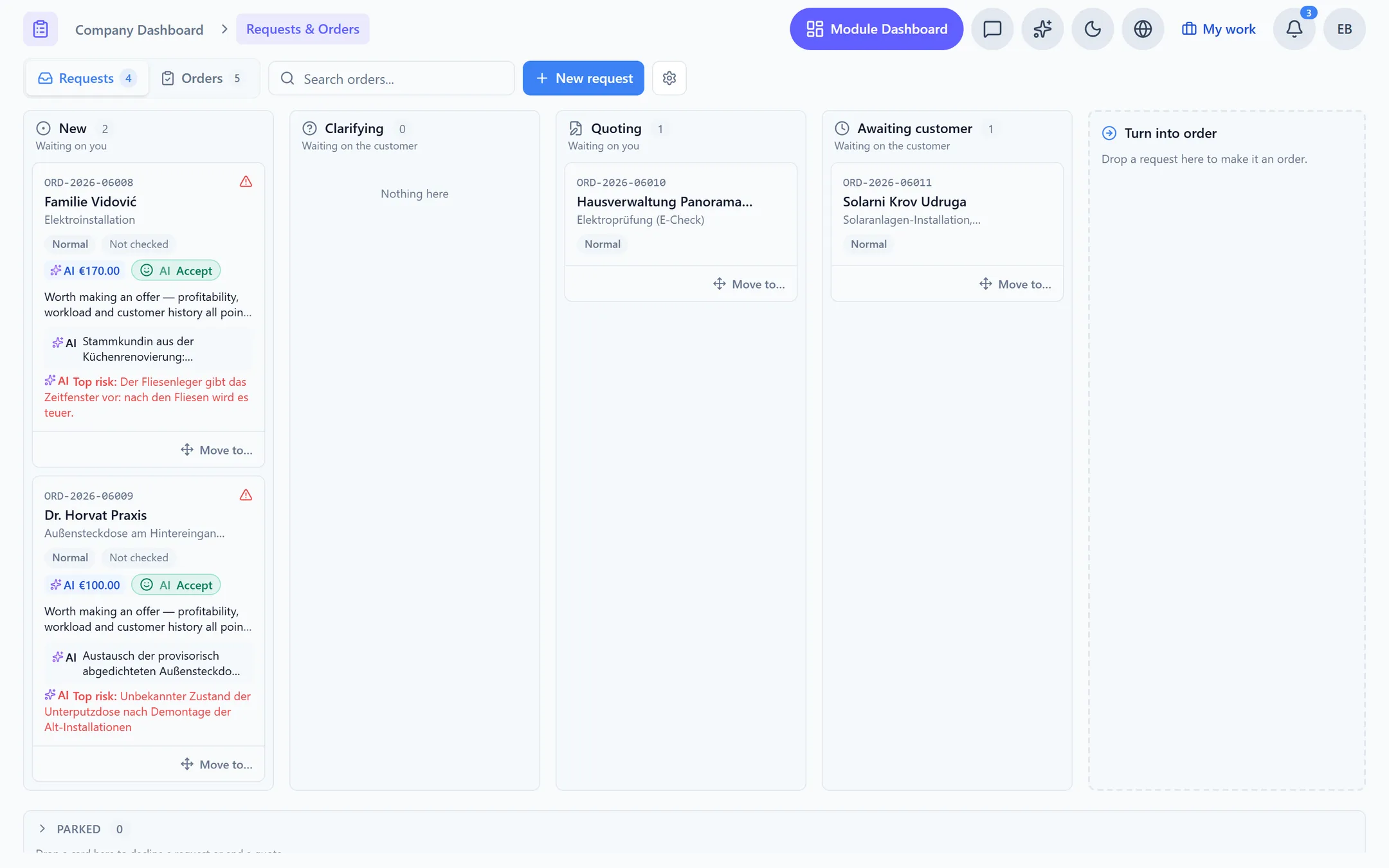
It proposes, you decide. Capwork works out where a job can genuinely go and ranks the options, but nothing is committed until you confirm it. That is deliberate: which customer gets the earlier slot is a commercial decision, not a scheduling one.
People with the right skills, vehicles with the right capacity, tools, and materials in stock. A window only counts as available if every one of them is free for the whole duration — which is why the plan holds up when the day starts.
Yes, and you will. The planning workspace is a week you can drag work around in. Capwork checks what you have chosen and tells you if something no longer lines up, rather than refusing the change.
When somebody calls in sick, Capwork finds every affected booking and task and proposes cover from whoever has the right skills and a free window — as a preview you confirm rather than a change that has already happened. When a van goes in for repair or a job overruns, you drag the affected work to a new slot in the week view and Capwork checks that everything still fits.
Across a rolling horizon rather than a single day, so a job that genuinely fits better next Tuesday is offered next Tuesday. Earlier slots are preferred, but not so strongly that everything piles onto tomorrow.
No. Planning needs your people and, if you have them, your vans and stock. Customers, finances and the rest are separate modules you add when you need them, and you only pay for what you use.
More you can put right
Online booking
Online appointment booking for your website
No-shows and double-bookings
Stop no-shows and double-bookings
Enquiries in five places
Get every customer enquiry into one inbox
Where the money goes
Know where your money actually goes
Team, vans and kit
Who is qualified, who is in, which van is free
Staff roster
Staff roster online — with bookings and hours balances
Running out of stock
Stop jobs stalling on a missing part
Services in 24 languages
A service catalog in 24 languages, with product images
Customer records
Customer records that keep themselves up to date
Fleet under control
Fleet management: due dates, logbook and reservations
Suppliers at a glance
Supplier management — straight from your invoices
Nothing slips through
Tasks and approvals: so nothing slips through
Make the week something everyone can see
Tell Capwork what has to happen, and it tells you when it fits.