The job stopped because a four-euro part was not on the van
Stock is invisible until it is missing. Nobody notices the last reel of cable going out of the door — they notice two weeks later, when someone is standing in a customer’s hallway with the job half done and nothing to finish it with.
 AI-generated image
Sound familiar?
- You order stock when you notice a gap, not before it stops a job.
- What the shelf says and what is actually there stopped agreeing months ago.
- Material walks onto a van and is never booked out of anywhere.
- A job is quoted with materials that turn out not to be in stock.
- Finding out who you buy a part from means asking the person who is on holiday.
- You count the store once a year and write off the difference.
What you get back
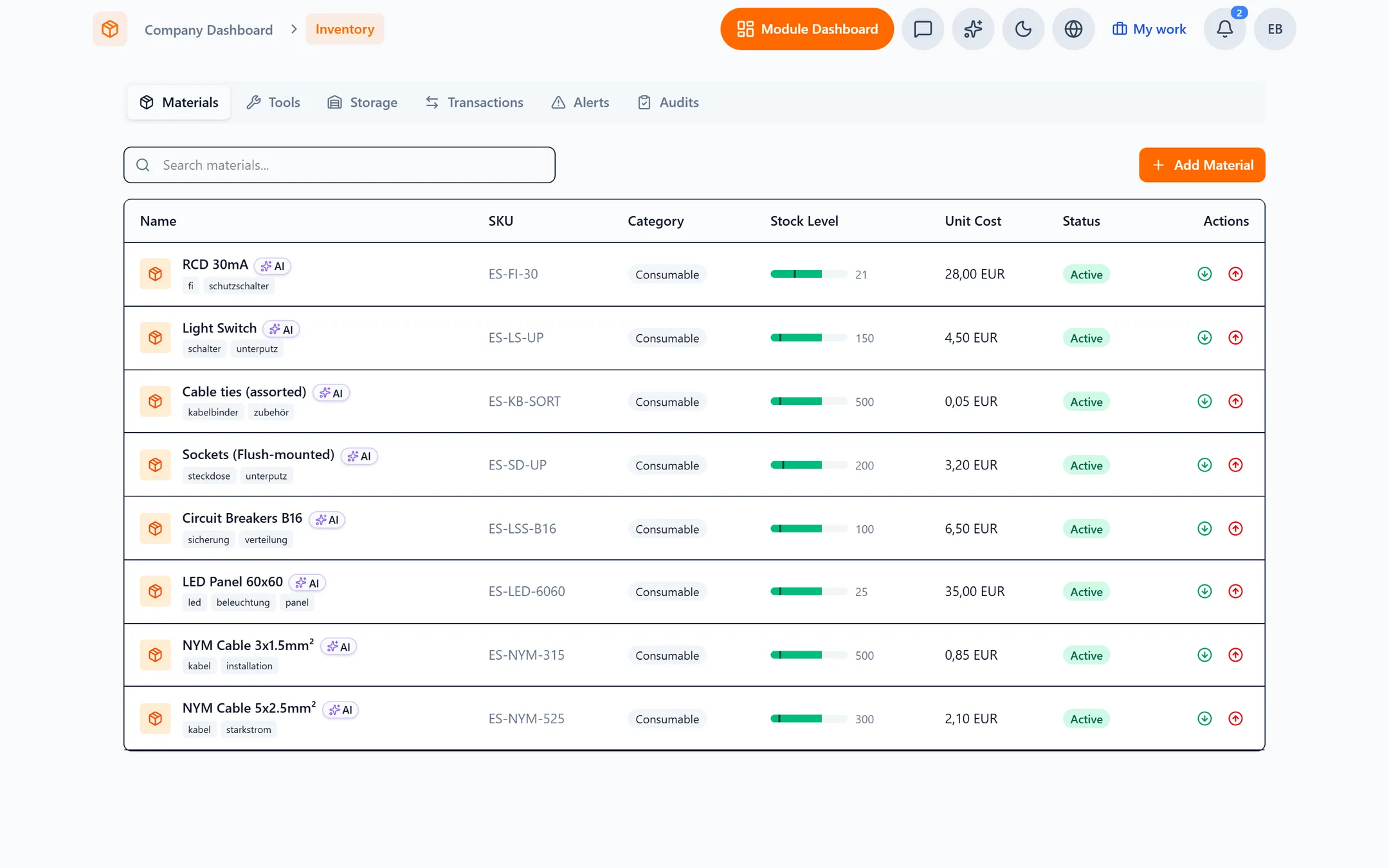
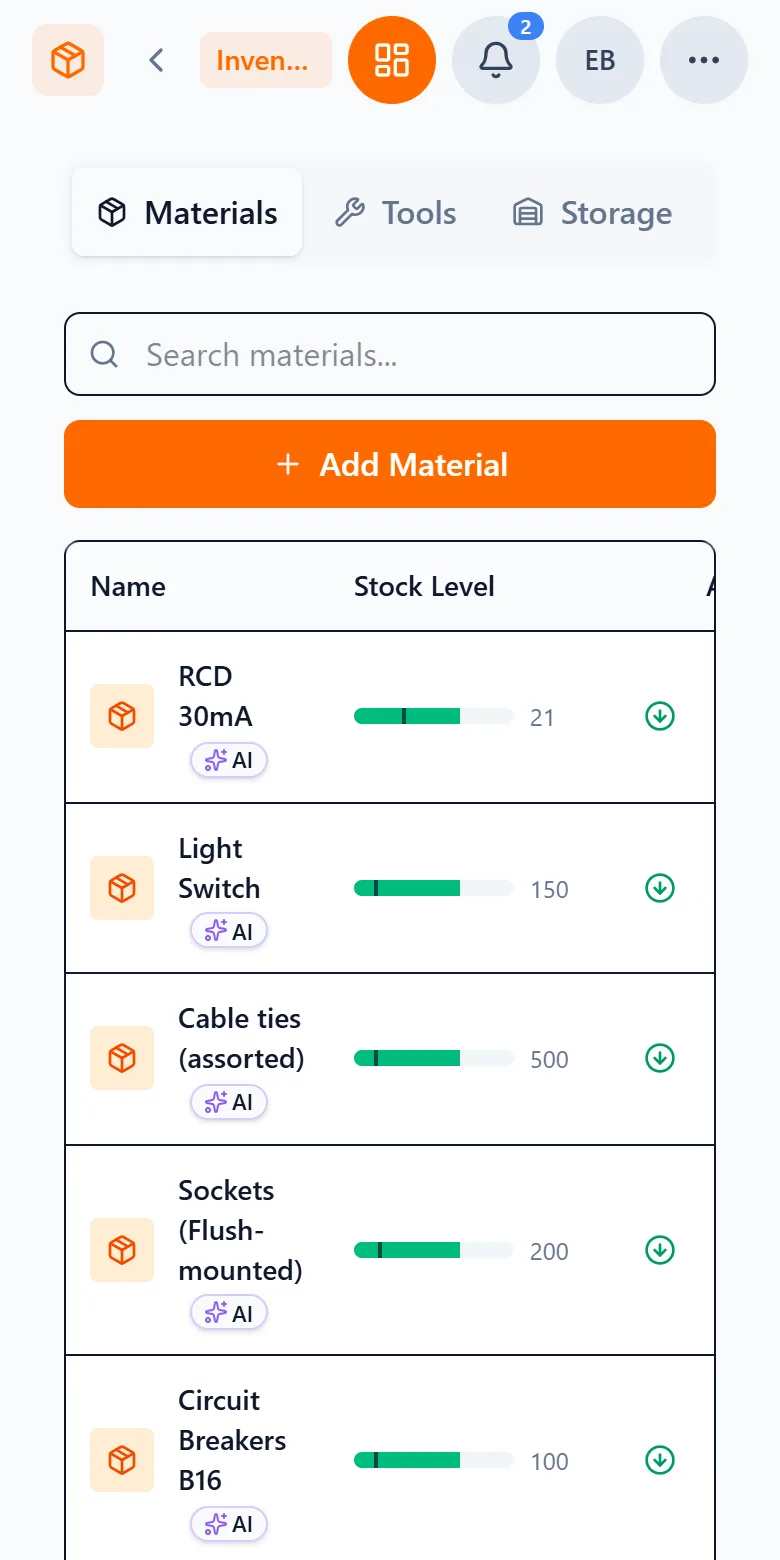
Every material has a minimum, and Capwork tells you before you cross it rather than after. Stock is booked against the job that consumed it, so what the system says and what is on the shelf stay in step — and when something runs low, the supplier you buy it from is already on the screen.
How Capwork does it
- 1
Stock is consumed by the job, not by memory
When work uses material, it comes off the shelf against that job. Nobody has to remember to write it down, which is why the number stays true. It is booked out exactly once, when the job is completed.
- 2
A minimum you set, watched for you
Give a material a reorder threshold. When it drops below, Capwork flags it and raises a task for someone to act on, so a shortage surfaces as work to do rather than as a discovery on site.
- 3
The supplier is already there
Who you buy a part from, what you pay and how long they take to deliver sit alongside the material itself. One click on “Reorder” opens the finished order message with the quantity and your customer number. You check or change it, confirm, and it goes to the supplier by email, WhatsApp or SMS, with a task to follow it up — instead of starting with a hunt for a phone number.
- 4
Materials are reserved, not hoped for
A job that needs three metres of cable holds three metres of cable from the moment it is planned. Two jobs cannot quietly promise the same stock, and a cancellation releases it again.
- 5
Counting the store stops being a day out
Audits reconcile what the system says against what is physically there, record the discrepancies, and correct the balance. You find shrinkage while it is still a number rather than a mystery.
- 6
Tools as well as materials
Tools are checked out to a person and checked back in, and every van is a storage location, so the answer to "where is the pipe bender" is a screen rather than a group message.
See it with real data
Open an example business with a stocked store, real suppliers and jobs consuming material as they run — then take a material below its minimum and watch the alert and the task appear. No signup, nothing to install.
What you need for this
Usage-based, so a quiet month costs less. Start with stock and add the rest when it earns its place.
FAQ
Not automatically. It tells you a material has dropped below its minimum, raises a task so it does not get forgotten, and puts the supplier’s details and lead time in front of you. When you order, you first see the finished message to the supplier, and it only goes out once you confirm it. Whether to order stays your decision — automatic ordering is the kind of thing that quietly buys three pallets of the wrong item.
Because the deduction is a side effect of the work rather than a separate chore. Material is booked against the job that used it and taken off the shelf when the job is completed, so the count is maintained by doing the work rather than by remembering to update a spreadsheet afterwards.
Storage locations are wherever you keep things, and a van is one of them. Stock can sit on a vehicle and still be counted, so "we have six" does not turn out to mean six spread across three vans and a shelf.
Yes. If a service declares the materials it needs, Capwork only offers a slot where those materials are actually available, and reserves them when the booking is made. The shortage is caught at booking rather than on the doorstep.
No. Start with the things that stop a job when they run out — the parts you actually get caught without. You can add the long tail later, and an audit will square the numbers whenever you are ready.
No. Stock works on its own. Suppliers, jobs, finances and the rest are separate modules you add when you need them, and you only pay for what you use.
More you can put right
Online booking
Online appointment booking for your website
No-shows and double-bookings
Stop no-shows and double-bookings
Enquiries in five places
Get every customer enquiry into one inbox
Where the money goes
Know where your money actually goes
Team, vans and kit
Who is qualified, who is in, which van is free
Staff roster
Staff roster online — with bookings and hours balances
Planning the day
Plan the week without re-planning it twice
Services in 24 languages
A service catalog in 24 languages, with product images
Customer records
Customer records that keep themselves up to date
Fleet under control
Fleet management: due dates, logbook and reservations
Suppliers at a glance
Supplier management — straight from your invoices
Nothing slips through
Tasks and approvals: so nothing slips through
Find out before the crew does
Add the parts that stop a job when they run out, set a minimum, and Capwork watches them for you.